

Your plan
What your Authoric plan entitles you to, how usage is measured, how plan changes are billed, and what happens when you reach a limit.
Your organization's plan with Authoric sets what you may use: apps, team members, storage, database size, bandwidth, API requests, monthly active users, SMS, and included AI credits, plus the features that are switched on. Everyone in your organization who holds the Billing & plan capability can manage it.
Where to look
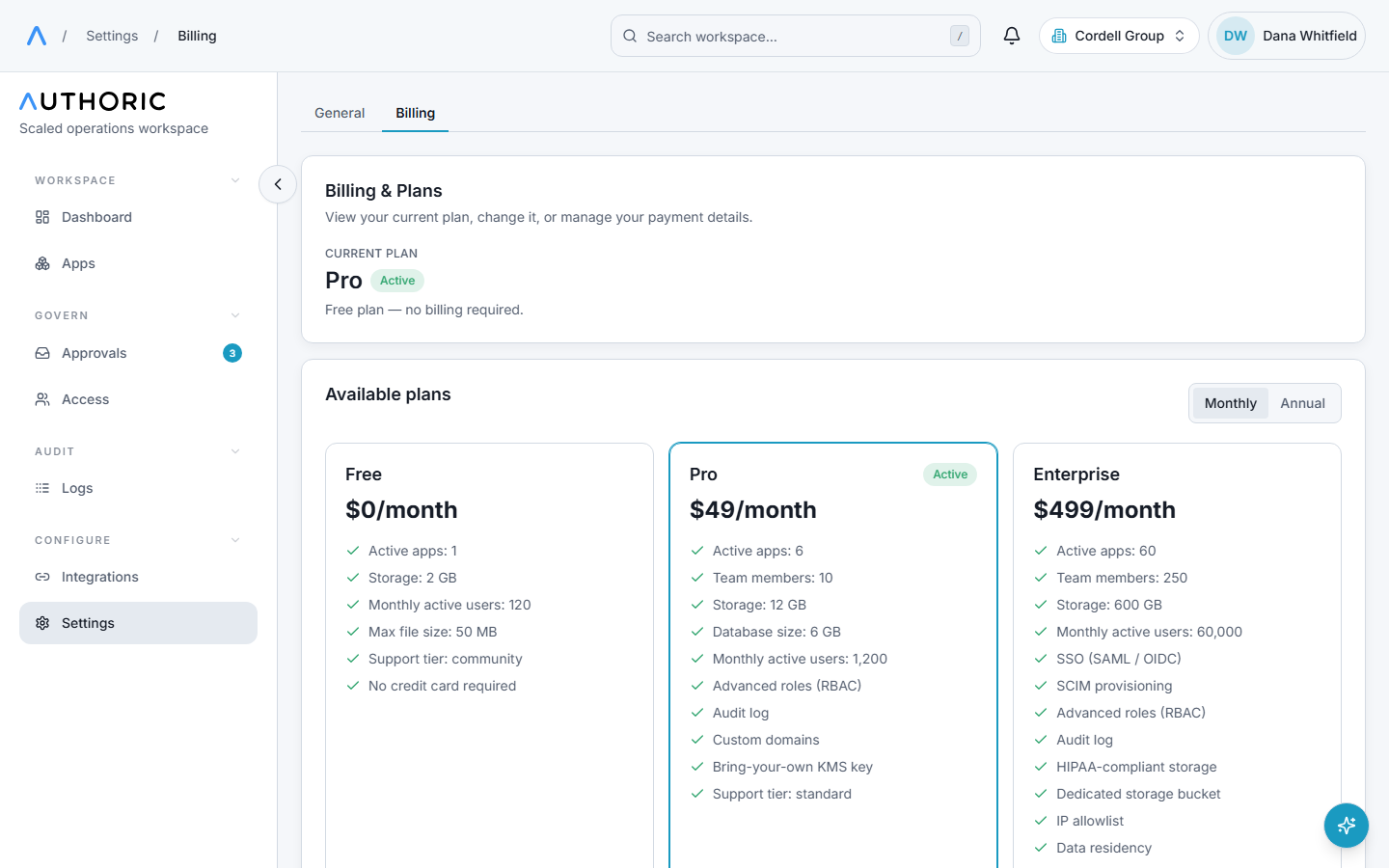
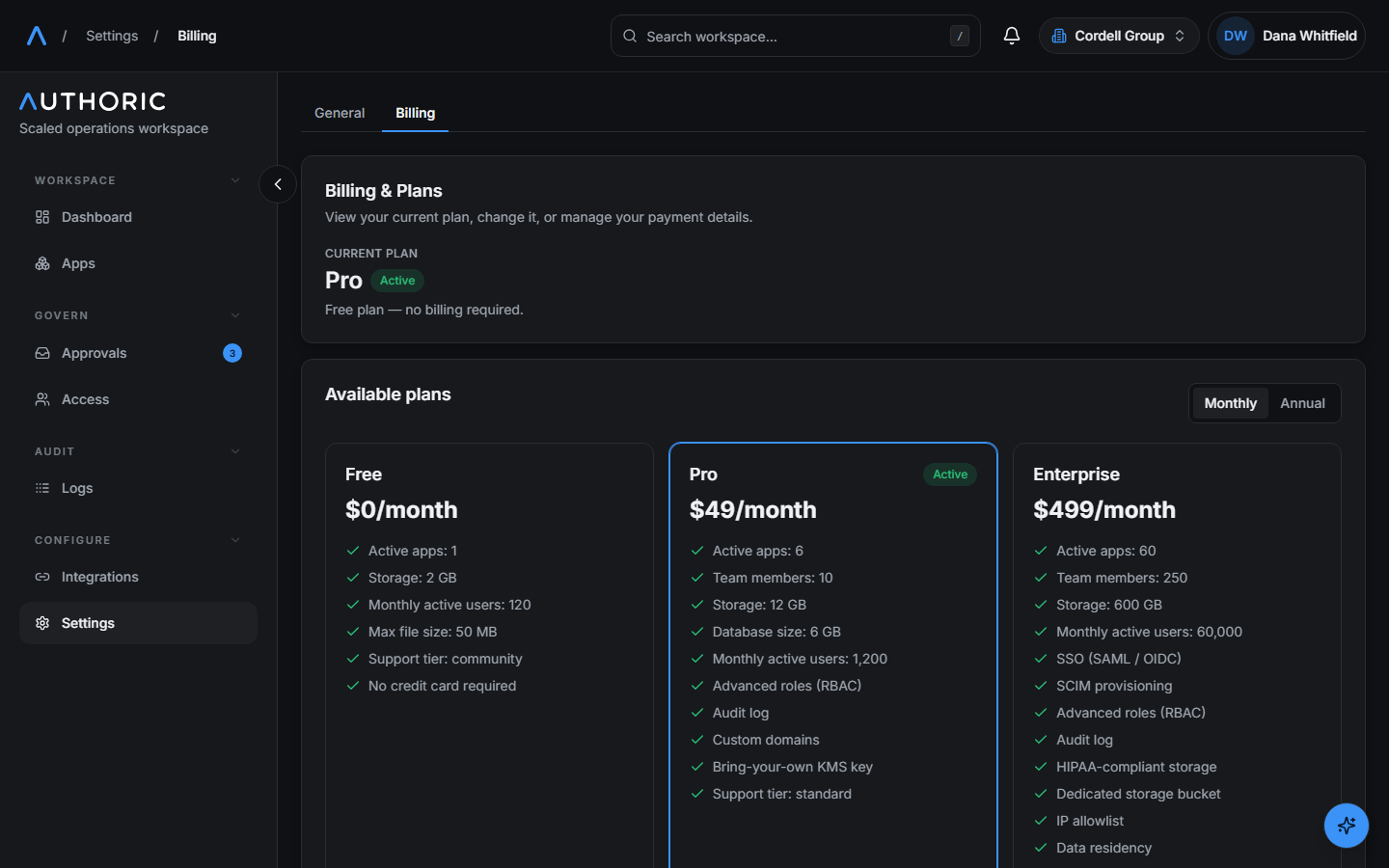
Settings › Billing shows your current plan, the plans you can move to, and add-ons. Manage billing opens Stripe's portal for your payment method and invoices.
Settings › Usage shows every limit against what you have used, in two groups, because they mean opposite things:
| Kind | Examples | Resets |
|---|---|---|
| Rates: spent over a period | Bandwidth, API requests, SMS, AI credits | Every month on your billing anniversary, monthly even on an annual plan |
| Capacity: held at any moment | Apps, team members, storage, database size | Never. Free some up to go below the limit |
A limit your plan does not include reads "Not included on this plan" rather than showing you as at your limit.
Changing plan
- Your first paid plan goes through Stripe Checkout.
- An upgrade takes effect immediately, on the same subscription. The prorated difference is
invoiced at once; if the card cannot be charged, nothing changes (
402 PLAN_PAYMENT_FAILED). - A downgrade is scheduled for the end of the current period. Until then you keep what you have paid for. You can undo it from the billing page (Keep current plan).
- A plan change that your current usage does not fit is refused, in either direction, with
409 PLAN_CHANGE_BLOCKED.error.details.blockerslists every resource that is over, with your usage and the target plan's limit, so you can free them all at once.
Plans are versioned. When you subscribe you are bound to that version, so a later change to the catalog does not alter what you already pay for. Add-ons stack extra limits or features on top of your plan, billed the same way.
When you reach a limit
Limits are checked where the action happens: creating an app, accepting a member, uploading a
file, serving a request, signing a user in. details.metric names the limit (for example
activeApps, seats, storageBytes, dbBytes, egressBytes, apiRequests, mau,
smsMessages).
{
  "error": {
    "error": "You've reached your plan's limit of 3 active apps (3/3). Upgrade your plan to continue.",
    "code": "SUBSCRIPTION_LIMIT_REACHED",
    "details": { "metric": "activeApps", "requested": 1, "usage": 3, "hard": 3 }
  },
  "requestId": "req_7c1f..."
}| Limit | What is refused at the limit |
|---|---|
| Apps, team members | Creating another app; another member accepting an invitation |
| Storage, database size | The write that would go over |
| Bandwidth, API requests | Your apps' traffic, with 402. The console stays reachable, so you can always upgrade |
| Monthly active users | Signing in a user who is new this period. Everyone already active this period keeps working, so reaching the ceiling is never an outage for your existing users |
| SMS | Sending a text. A user with another factor is offered it; see Two-factor authentication |
| AI credits | The AI call that would spend past them |
A monthly active user is one for whom a session was issued in the period (a sign-in, a sign-up, or a token refresh), counted once however often they return.
Paying for more instead of stopping
On plans that price overage, a metered limit can keep going and bill per unit instead of stopping. Each metered limit has its own switch on Settings › Usage, so you can, say, let storage grow while keeping AI spend capped. The cap is on by default.
Your own AI spend caps
Separately from your plan's included credits, you can set a ceiling on AI spend for your
organization and for each app. Reaching one returns 402 AI_SPEND_CAP_REACHED. Raise it in
settings to continue.
Apps that sleep
On plans that pause idle apps, an app with no traffic for a while is archived to save its
database. Its files are kept. The next request to it starts waking it up and answers
503 APP_WAKING with a Retry-After header; retry after that interval and it is back, with its
data. You are emailed when an app is paused, and before an archive is deleted. A paused app's
routes answer 423 ACCOUNT_PAUSED, whose details.stateReason says whether it was paused for
inactivity (restore it from the console) or for non-payment (bring the subscription current).
Errors to branch on
| Code | Status | Meaning |
|---|---|---|
SUBSCRIPTION_LIMIT_REACHED | 402 | A plan limit is reached. details.metric names it. |
FEATURE_NOT_INCLUDED | 402 | Your plan does not include the feature. |
AI_SPEND_CAP_REACHED | 402 | An AI spend cap you set is reached. |
PLAN_CHANGE_BLOCKED | 409 | Your usage does not fit the target plan. details.blockers lists what to free. |
PLAN_CHANGE_ALREADY_SCHEDULED | 409 | A plan change is already scheduled. Cancel it first. |
PLAN_PAYMENT_FAILED | 402 | The upgrade could not be charged, so nothing changed. |
APP_WAKING | 503 | The app is waking up. Retry after Retry-After. |
ACCOUNT_PAUSED | 423 | The app is paused. details.stateReason says why. |