

Approvals & halts
What happens when work reaches a step that needs a person, who can decide, and how the run continues.
When an agent reaches a step rated above low, the run does not fail and does not proceed. It
halts: the intended call is recorded with its exact arguments, nothing is executed, and the
run waits for a person with approval rights. That person sees precisely the call that will be
made, not a summary of it, and decides.
Two kinds of halt, one queue
Work pauses for a person in two ways, and both land in the same inbox:
| Raised by | What is waiting | |
|---|---|---|
| Agent step | An agent calling a tool rated moderate or high (see risk levels) | The run, parked on that step |
| Handler request | Your own handler calling sdk.awaitApproval | The handler, waiting for a decision on a request it raised |
An approver does not need to know which kind it is. One permission, Approve paused work,
covers both, and the inbox shows them side by side. The rest of this page is about agent steps;
for handler requests, see sdk.awaitApproval.
What halts, and what does not
A step halts when its risk is above low and the agent is not set to auto-approve risky
actions. The agent's role must already grant it: a halt is a pause on something the agent is
allowed to do. A step the role does not grant is refused outright, with no halt and nothing to
approve.
Auto-approve is a set of pauses an agent may skip, chosen on its page under Behavior:
- Risky actions skips approval halts for steps above
low. - Budget checkpoints lets it run past its effort checkpoints, up to a ceiling no setting can remove.
Each one removes one kind of pause and nothing else. Policy, authorization, payload validation and the audit trail still apply to every step.
External callers can only tighten
An autoApprove sent in an API request is never honored. An API key can instead be set to
Force human approval, which halts its runs on every risky step even when the agent itself
would auto-approve. A caller from outside can add friction, never remove it.
From the caller's side
Poll the run. When status is pending_approval, pendingSteps says exactly what is waiting:
{
  "ok": true,
  "status": "pending_approval",
  "runUid": "0199f1d2-4b6a-7c3e-8a1f-2d9e6b0c4a77",
  "message": "I found the order and prepared a refund of $240.00.",
  "resumable": false,
  "pendingSteps": [
    {
      "stepIndex": 4,
      "tool": "refund_order",
      "riskLevel": "high",
      "input": { "order_uid": "0199a3c2-7f1e-7b4a-9c3d-5e8f2a1b6c90", "amount_cents": 24000 }
    }
  ],
  "actions": {
    "poll": { "method": "GET", "href": "/{appUid}/agent/runs/0199f1d2-4b6a-7c3e-8a1f-2d9e6b0c4a77" },
    "message": { "method": "POST", "href": "/{appUid}/agent/runs/0199f1d2-4b6a-7c3e-8a1f-2d9e6b0c4a77/messages", "body": { "message": "" } },
    "approve": { "method": "POST", "href": "…/agent-approve-step", "auth": "approver", "body": { "targetAppUid": "…", "runUid": "0199f1d2-…", "decision": "approve" } },
    "reject": { "method": "POST", "href": "…/agent-approve-step", "auth": "approver", "body": { "targetAppUid": "…", "runUid": "0199f1d2-…", "decision": "reject" } },
    "resume": { "method": "POST", "href": "…/agent-resume-run", "auth": "approver", "body": { "targetAppUid": "…", "runUid": "0199f1d2-…" } },
    "dashboard": { "method": "GET", "href": "https://console.example.com/console/apps/…/approvals?run=0199f1d2-…" }
  }
}
A value the step would write into a redacted column is shown as
[redacted] here. The stored step keeps it, so approving still writes it.
Treat this as a normal outcome
A halt is not an error and not a timeout. Expect pending_approval, slow your polling down,
and hand actions.dashboard to whoever needs to decide. An agent's halt stays open until someone
decides.
If the halt happened in a sub-agent the coordinator handed work
to, the decision is made on the sub-agent's run. A ?wait=true invoke that ends on such a halt
says "delegated": true, with its runUid and actions already pointing at the sub-agent's
run, and GET /agent/runs?includeDelegated=1 lists sub-agent runs alongside your own.
Deciding, in the console
Halts appear in Govern › Approvals (every app your organization owns, plus Arbiter's own), in each app's App approvals, and inline in the Arbiter conversation that raised them.
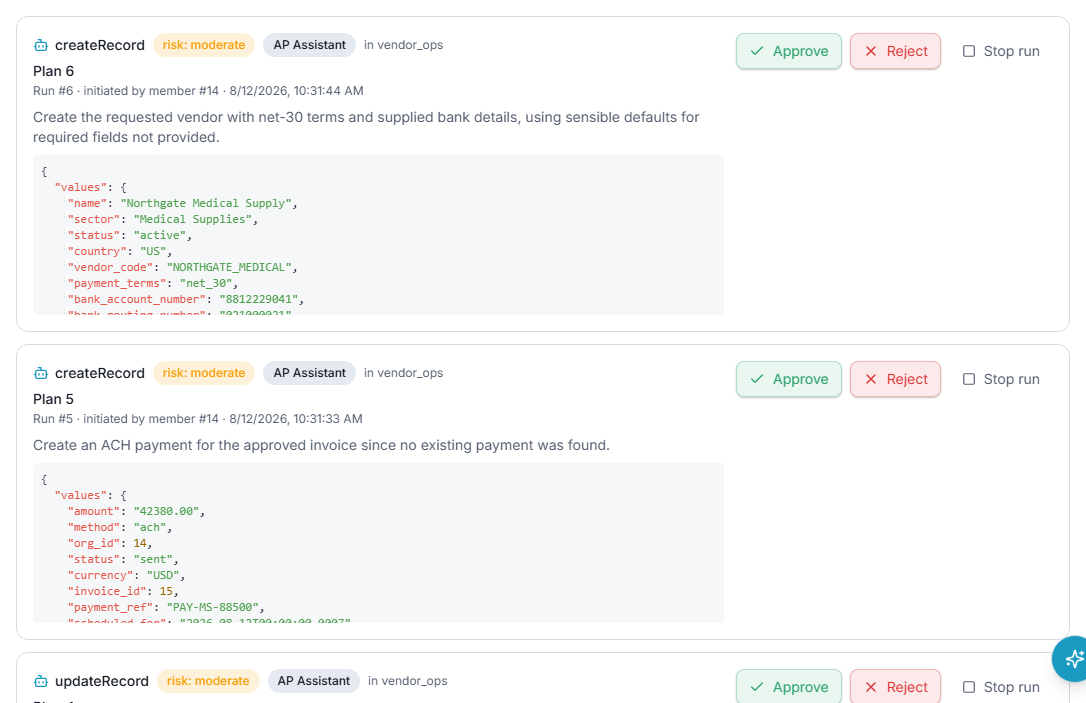
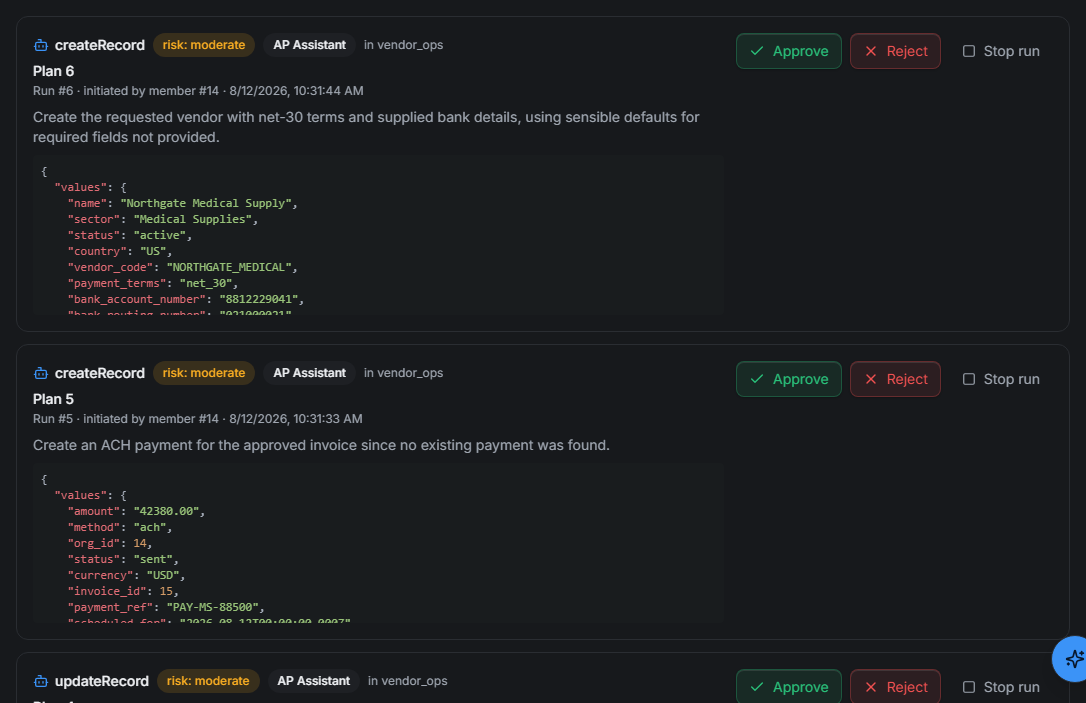
Each entry shows the call it will make (tool, risk and arguments), the task the run was started for, the steps it has already taken, and how long it has been waiting. The earlier steps matter: three reasonable approvals in a row can add up to something nobody would have approved as one request.
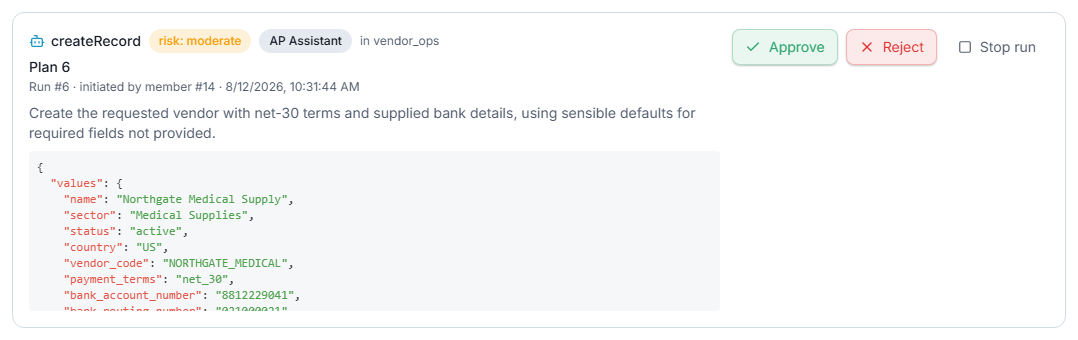
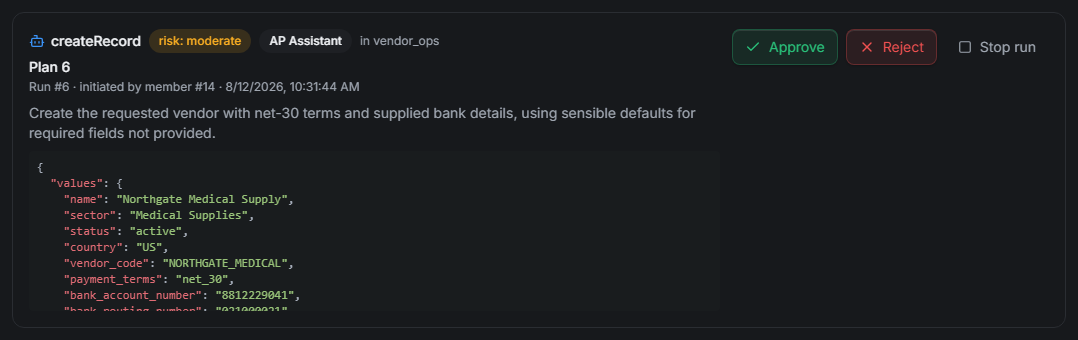
- Approve runs that step and the run carries on. Approving is not authorization: the step still passes every policy check when it runs.
- Reject runs nothing. You may give a reason, and you are not required to. The run then
carries on with the step recorded as
deniedand your reason attached, so the agent answers your objection instead of retrying blindly. A caller polling the run sees the reason as that step'sdetail. - Stop run ends the run. Rejecting answers the step; stopping answers the run, for when you never want any version of what it proposed.
Two refusals are worth knowing:
| Code | When |
|---|---|
409 STEP_ALREADY_DECIDED | Someone decided it first, on another screen. Refresh. |
409 STALE_APPROVAL | You approved a write, but the rows it would change were changed by something else since. Nothing ran; the agent reads them again and proposes it afresh. |
Deciding over the API
An API key can never approve or resume its own agent's halt. The key that started a run is
never the one that clears it. An automation that needs to decide uses an approver access
token: a token that acts as one member of your organization for approvals only. It can approve
or reject a halted step, continue a run, and read that run; anything else returns
403 TOKEN_PURPOSE_DENIED, even where the member could do it. Each decision still needs the
member's own authority. Members mint their own on their page under Govern › Access ›
Members, in Approver access tokens. A token lasts 90 days unless you choose otherwise, and a year at
most.
Use the href and body from the run's actions block, with the approver token as the bearer.
Decide first, then resume. Resume after a rejection too: that is what delivers the rejection to
the agent.
# Decide (use actions.approve or actions.reject from the poll)
curl -X POST "$AUTHORIC_URL$APPROVE_HREF" \
  -H "Authorization: Bearer $APPROVER_TOKEN" \
  -H "Content-Type: application/json" \
  -d "{ \"targetAppUid\": \"$APP_UID\", \"runUid\": \"$RUN_UID\", \"decision\": \"reject\", \"note\": \"Refunds over \$200 go to finance.\" }"

# Then resume (actions.resume)
curl -X POST "$AUTHORIC_URL$RESUME_HREF" \
  -H "Authorization: Bearer $APPROVER_TOKEN" \
  -H "Content-Type: application/json" \
  -d "{ \"targetAppUid\": \"$APP_UID\", \"runUid\": \"$RUN_UID\" }"
decision is approve or reject; note is optional and carried to the agent on a rejection.
Changing course instead
A message sent to a halted run supersedes the step it is waiting on: that step can then never run, the record says it was superseded rather than rejected, and the agent re-plans from your message. An API key may do this to its own run, because a message never approves anything; any risky step the agent proposes next halts again. See Messages to a live run.
Long runs pause too
Effort is the other reason a run stops. When an agent reaches its effort checkpoint with work
left, the run reports budget_paused with resumable: true and actions.continue. Continuing
takes the approver's credential, like approving, so a script cannot loop past the checkpoint on
its own. With Budget checkpoints auto-approved, the agent runs on to a ceiling that is never
lifted. See Runs.